A production cloud for developers, an AI engineer anyone can hire, a real VM for every agent your product runs.One engine under all three, ours down to the hardware.
Zerops Platform, the developer-first cloud made to run the whole development lifecycle, from remote development to highly available production, the same infrastructure at every stage. No more “but it works on my machine”.
Zerops Mate. Hire an AI engineer that ships, not just codes. A team for a solo founder or developer, extra hands for a team, an engineer of their own for designers and project managers, the whole agency for a business. It comes back working, live when you say so.
Zerops Box, a real VM for every agent your product runs. Persistent, with SSH and Docker inside, fork or snapshot in seconds, any size up to the whole machine. Beside it, Postgres, a queue, storage and hosting, one bill.
We built Zerops from the ground up, on our own hardware, to cover an app’s whole lifecycle, from the first dev environment to production. It is made of six building blocks that fit together any way an app needs. Platform, Mate and Box are three faces of the same engine.
Compute
- Ubuntu
- Alpine
- Docker
A full Linux system with root, SSH and cron, or any Docker image in its own VM, on AMD EPYC, NVMe and ECC RAM. Nothing abstracted past where you can debug it. Soon, sandboxes to fork and snapshot.
Private network
db:5432api:3000zcli vpn up
One per environment, your laptop on it over VPN. Every one built from one definition gets the same hostnames, so the app’s wiring never changes.
Managed services
- PostgreSQL
- MariaDB
- ClickHouse
- Valkey
- Elasticsearch
- Meilisearch
- Typesense
- Qdrant
- NATS
- Kafka
Credentials injected, backups, scaling, object storage beside them. HA is a toggle, not a tier.
Environments
APICLISDKMCP
Any number from one definition, made and unmade by any of these, the same infrastructure under every one. Each one costs only while it runs.
Pipeline
zcli pushbuilddeploylive
One zerops.yaml, one build system for the artifact and the runtime image, soon the sandbox images too. Every environment, built the same way. Zero-downtime deploys, ten versions kept, rollback is a switch.
Production
Runtimes, databases and storage run HA on either core, and on the Serious core the balancers do too. Logs, metrics, encrypted backups, none of them behind a tier. Access set per environment, no token outranks its maker.
 Fly
Fly Railway
 Render
 Devin
Devin Amp
Amp Jules
Jules E2B
E2B Daytona
 Modal
Modal box.ascii.dev
The same engine under all three, so you can switch any time. Platform and Mate can both use Box.
All three at work on one app. Platform runs every environment, Mate has one of its own, Box is a VM in each of them, and a pull request is what carries a change to production.
Four ways to use Zerops. As the whole team for a solo founder or developer, as the one place a team builds and runs its product, as an engineer of their own for designers and project managers, as every client’s production on one account for a business.
A solo founder or developer. Production runs on Zerops from day one, and Mate is the rest of the team: it builds the first version with you, and every change after that is tried exactly as it will run before you say yes.
A team with a product in production. Production on Zerops, no agent in it. Every engineer and every coding agent in an environment built from its definition, Mate hired into one of its own, every pull request through the same gate. More to ship: hire another.
Designers and project managers, with an engineer of their own. Ask Mate in your own words. It comes back running on a page you can open, and goes live on Zerops once the team has said yes.
pull requestthe studio says yesA business with many apps. A studio building web shops runs each client’s shop on Zerops: production on its own, no agent in it, the studio’s developers and their coding agents in environments built like it. A client’s small changes go to Mate and come back as a pull request the studio reviews. Ten clients, ten productions, one account. One bill, metered, no seats.
Founded in 2024 by 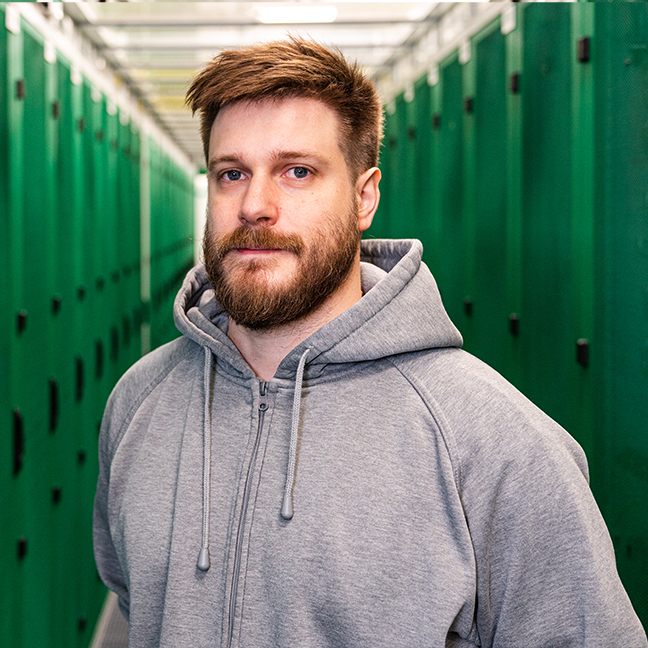 Aleš and
 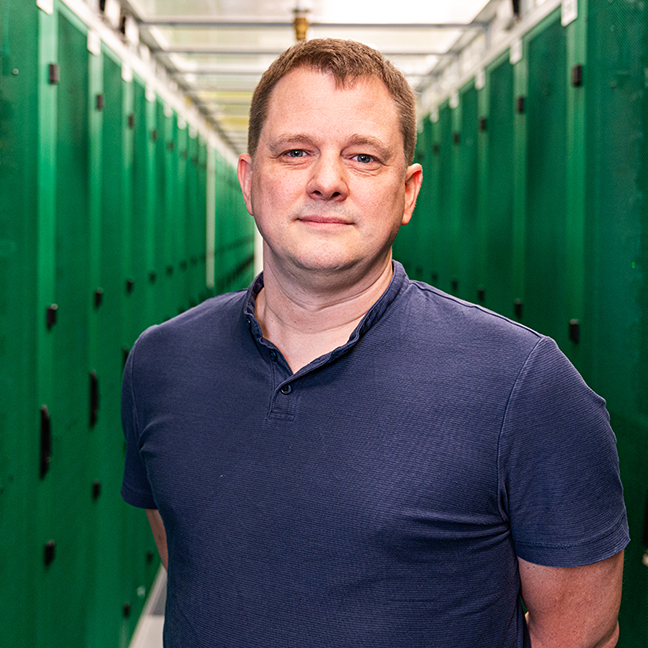 Honza with Czech Republic's top developer, devops and networking talent, Zerops is a vshosting.eu spin‑off, building on two decades of managed hosting experience.
The cloud made developers choose. Managed platforms trade visibility for convenience, self‑hosted PaaS leaves you running everything, and big cloud adds the overhead and the bill that make most teams quit before production.
So every layer of Zerops is ours: Incus containers, VXLAN networking, our own L3/L7 balancing, on AMD EPYC hardware with NVMe storage and ECC RAM. No off‑the‑shelf orchestration, no hyperscaler middleman, just our hardware, our software, our prices.
That is what lets us build the rest on top of it. Zerops Platform runs an app's whole lifecycle, every environment built from one definition. Zerops Mate is an AI engineer hired into an environment of its own, whose work comes back as a pull request. Zerops Box is a real VM for every agent a product runs.
None of it replaces the people who write the software. It is for the team that now has both: every engineer and every coding agent working the same way, with a person still deciding what ships. Readable config, nothing hidden behind magic that works until it doesn't. Soon, sandboxes to fork and snapshot.
GDPR and DPA compliant, ISO 27001 certified, SOC 2 in progress, datacenters in the EU and US, Asia on the way.

Zerops is a platform made by developers for developers, your feedback is always welcome. Get in touch with our dev team on Discord and follow us on @zeropsio
What are we up to
Launching public preview of ZCP — infrastructure for coding agents.
Coding agents write code, test it, iterate, deploy. So why do we still hand them sandboxes and mocks instead of the environment a senior developer would actually use?
 Aleš
AlešWe rebuilt project logging at Zerops on VictoriaLogs
Honest story of how project logs work in Zerops today — what we tried before, what we threw away, what we kept, and how we migrated thousands of live projects without anyone noticing.
 Honza
HonzaWe were affected by Copy Fail (CVE-2026-31431). We patched it for you. Here's the full story.
If you run workloads on a shared-kernel host — containers, CI runners, managed platforms — this one is worth understanding.
 Jan S.